
Integrations / Lead Sync

Zapier
Send your TapSnap leads to thousands of other apps with Zapier. Every new lead triggers your Zaps within seconds.
How it works#
TapSnap has its own app on Zapier with one trigger, New Lead. A Zap that starts with it runs each time a new lead lands in your TapSnap contacts, and can then add the lead to a Google Sheet, an email list, another CRM, or anything else Zapier connects to.
Please note
- Zapier works on every TapSnap plan, including Free.
- Zapier connects to TapSnap with your API key. Each account has one key, so every Zap you build uses the same one.
- The TapSnap app on Zapier is in beta.
Before you start#
- A Zapier account. Zapier's own plan decides how many Zaps and tasks you can run.
- Your TapSnap dashboard. Log in at tapsnap.me, or tap View Web Dashboard in the TapSnap app.
Connect Zapier#
In your dashboard, click Integrations in the left menu.
Zapier is under Lead Sync.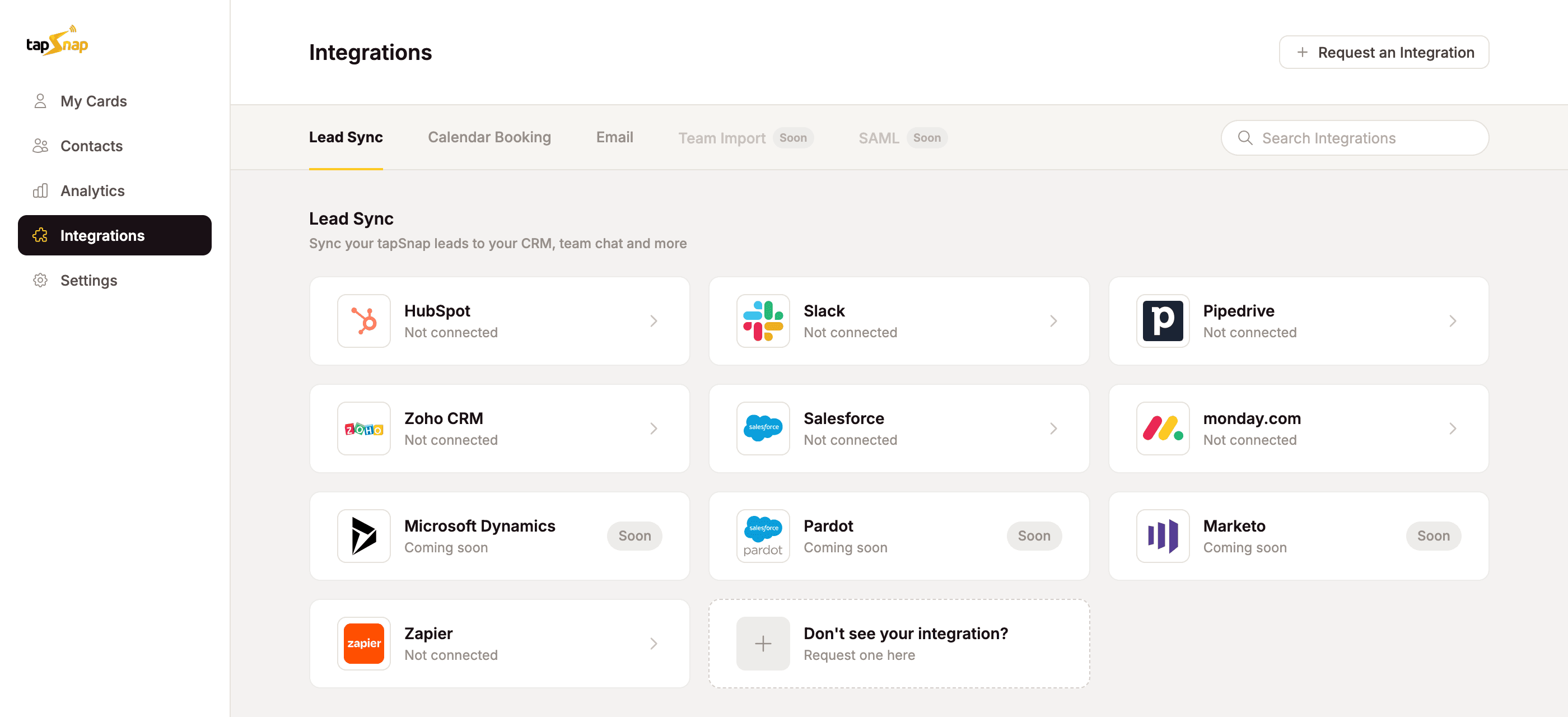
TapSnap dashboard: the Integrations page Click the Zapier tile and copy your API key.
If you don't have a key yet, click Generate API key first. Then click Copy.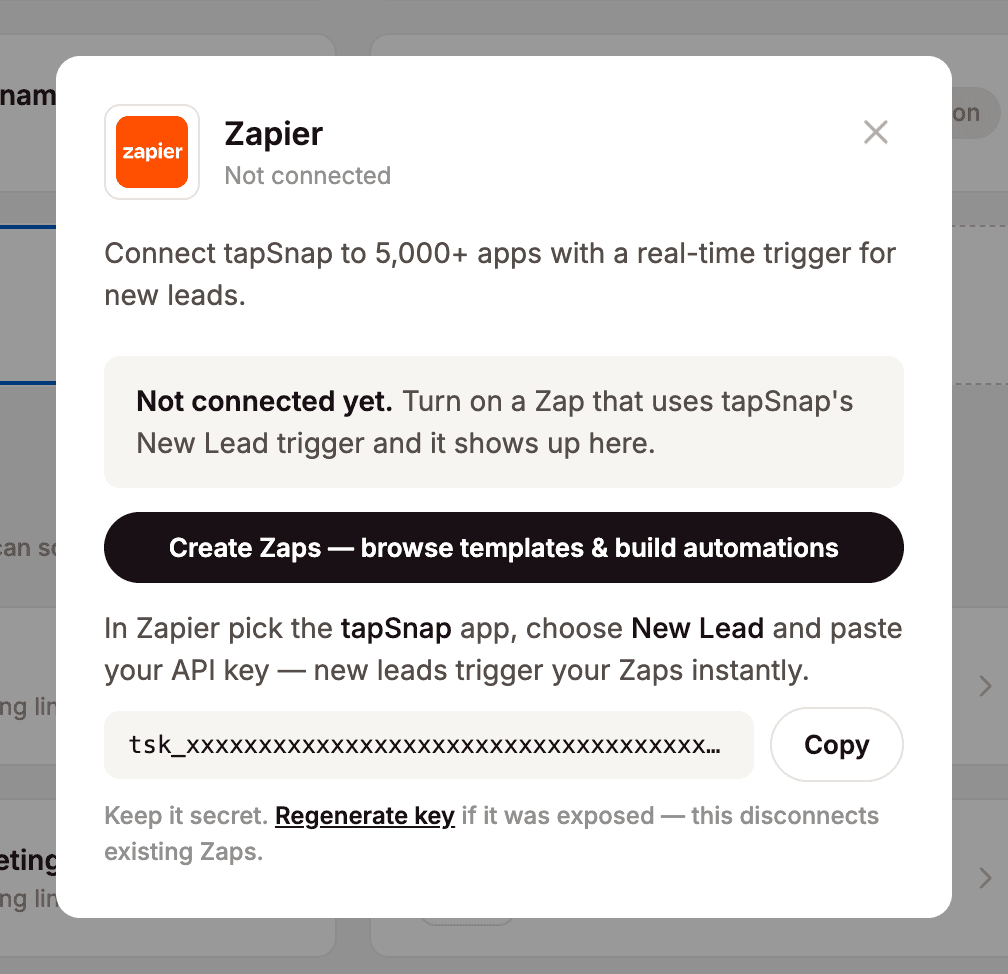
Your API key in the Zapier window In Zapier, create a Zap and choose TapSnap as the trigger app.
Search for tapSnap, then pick the New Lead event.Connect your TapSnap account by pasting the API key.
Zapier then pulls in a recent lead (or a sample one) so you can test the trigger.Add the action you want, then publish the Zap.
Back in TapSnap, the Zapier tile shows Connected and how many active Zaps use your leads.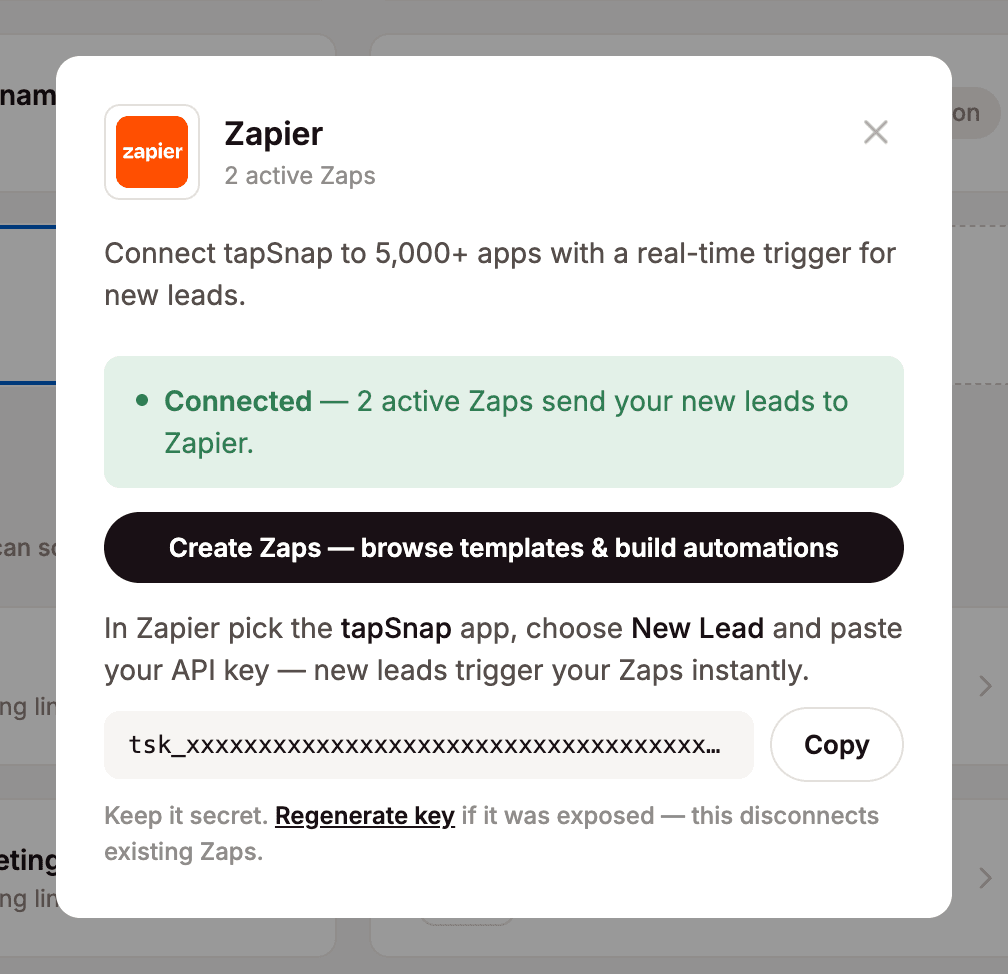
The Zapier window with two active Zaps
Prefer to start from a template? Click Create Zaps in the Zapier window to browse ready-made Zaps and build new ones without leaving your dashboard.
What each lead includes#
| TapSnap lead | Zapier field |
|---|---|
| Name | name |
| Phone | phone |
| Company | company |
| Job title | jobTitle |
| Website | website |
| Notes | notes |
| Tag (hot, warm or cold) | tag |
| How it was captured | source |
| When it was captured | createdAt |
The full list, with examples, is in the API reference.
Keep your API key safe#
Anyone with your key can read your leads, so don't share it. If it was exposed, open the Zapier tile and click Regenerate key. The old key stops working straight away, which also stops every Zap that used it, so reconnect your Zaps with the new key afterwards.
Troubleshooting#
The Zapier tile says Not connected yet, but I've added my key.
My Zaps stopped running.
Need help?
Email support@tapsnap.co or chat with us from the Help center. Tell us which integration you're setting up and what you see on screen.